My Lab
What started as a Raspberry Pi on a desk has grown into a full Proxmox server with GPU passthrough, VPN tunneling, and self-hosted AI tools. This is where I experiment, break things, and learn.
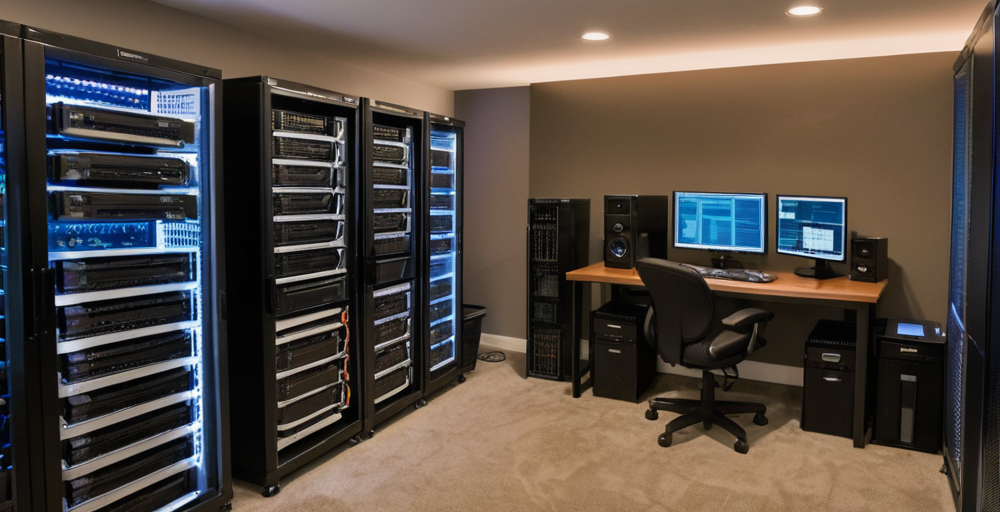
A self-hosted playground for learning, tinkering, and building. · Last updated July 18, 2024
Hardware
One workstation doing the heavy lifting, one Pi that refuses to retire.
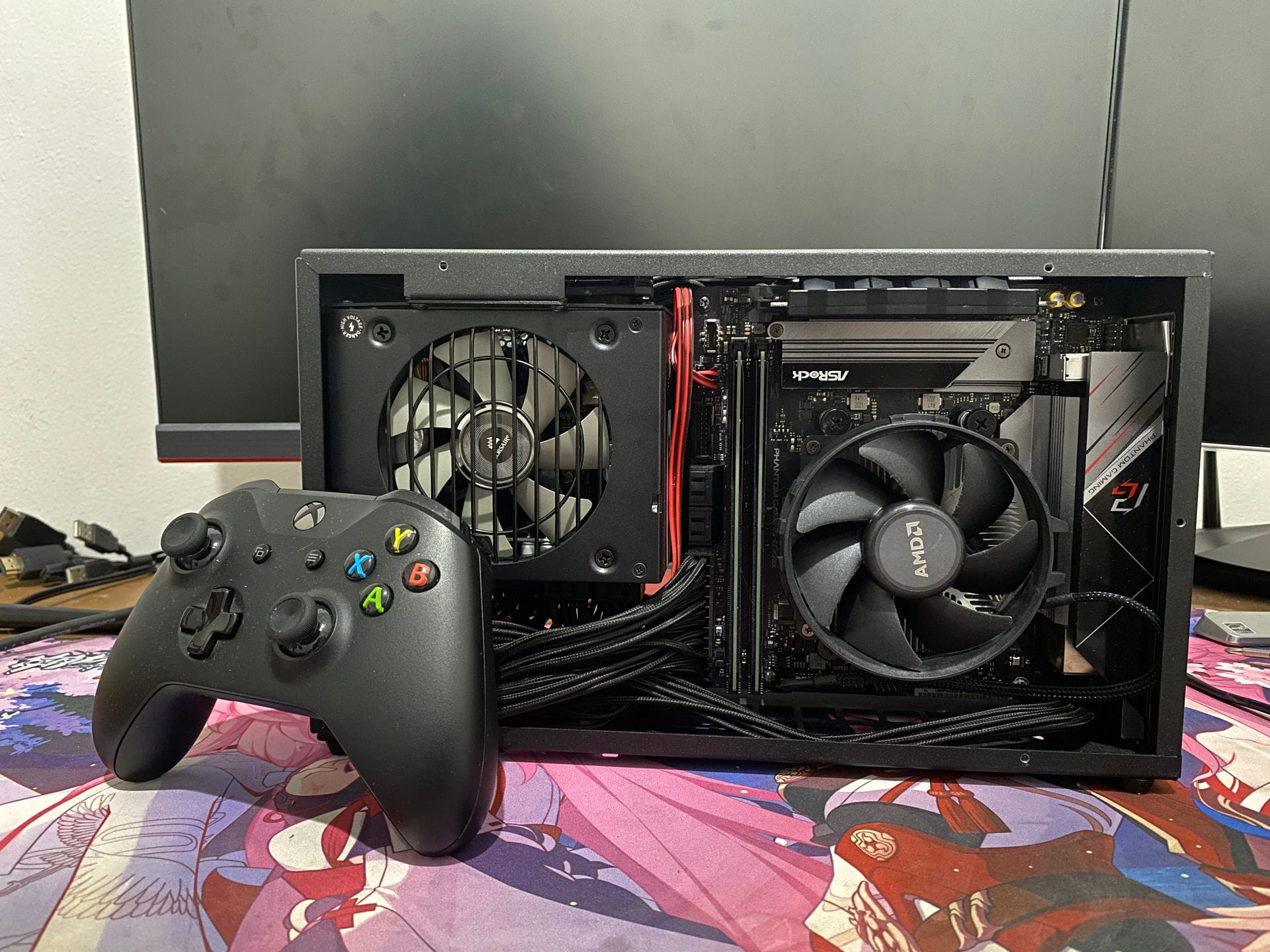
Primary Server (Proxmox VE)
- CPU — AMD Ryzen 9 5900X (12-core / 24-thread)
- RAM — 64GB DDR4
- GPU — NVIDIA RTX 3070 8GB (passthrough to File Server VM)
- Storage — 1TB NVMe SSD + 4TB HDD + 2TB HDD
- OS — Proxmox VE Community Edition
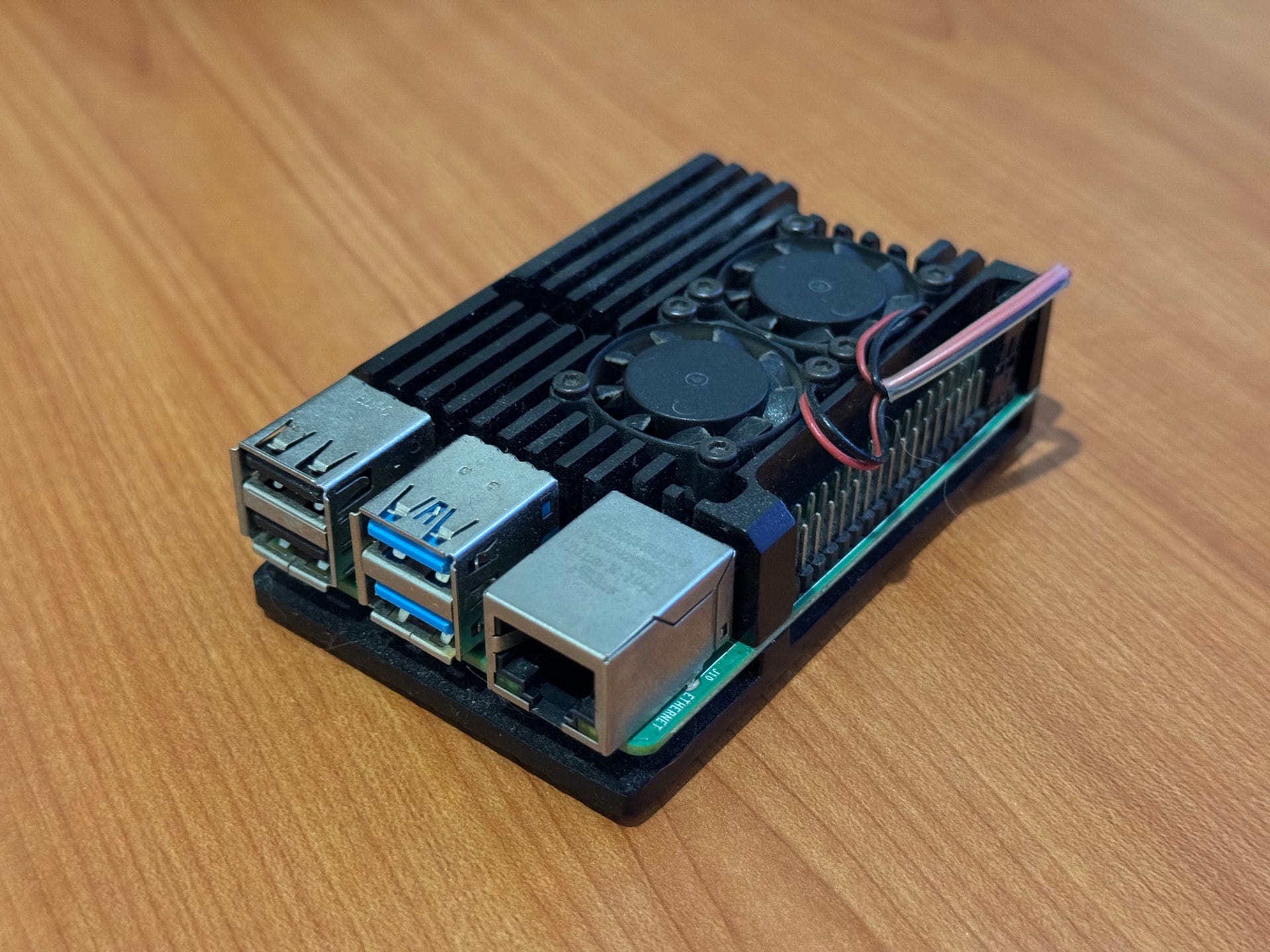
Secondary Server (Raspberry Pi 4)
- CPU — Broadcom BCM2711 (4-core ARM Cortex-A72)
- RAM — 4GB LPDDR4
- Storage — 32GB microSD + USB 3.0 HDD Docking (2TB + 4TB)
- Use — Retired from primary duties, kept as backup
Self-hosted
Self-hosted
Self-hosted
Self-hosted
Virtual
machines
File Server
Immich, Samba, GPU passthrough
14 vCPU · 50GB · 155GB + 1TB SSD
Docker Server 1
Containerized services
2 vCPU · 4GB · 60GB
Ghost Server
Blog CMS
2 vCPU · 2GB · 50GB
MySQL Server
Database server
2 vCPU · 4GB · 30GB
Home Assistant
Smart home automation
2 vCPU · 4GB · 32GB
Services
Media & Storage
- Immich — Self-hosted Google Photos with AI face grouping and CLIP search (GPU accelerated)
- Samba — Network file sharing across devices
- Sonarr / Radarr — Automated media management
- Plex — Self-hosted streaming
Development & AI
- Lobe Chat — Feature-rich LLM chat UI with plugin support and local model integration
- Ollama — Local LLM inference (Llama 3, StarCoder, Gemma)
- Stable Diffusion Web UI — AI image generation with AUTOMATIC1111
Infrastructure
- Ghost CMS — Blog platform
- Pi-Hole — DNS-level ad blocking (router-wide)
- Home Assistant — Smart home automation
- Nginx — Reverse proxy (on cloud VPS)
- OpenVPN — Secure tunnel between home server and cloud VPS
Getting in
without a public IP
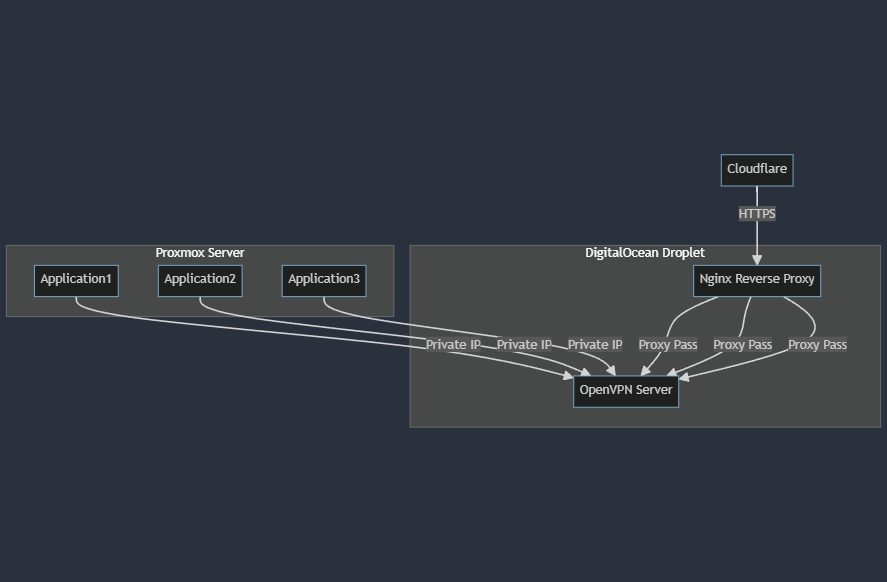
- A cheap DigitalOcean droplet ($6/mo) provides the public IP
- OpenVPN server on the droplet creates secure tunnels to each home VM
- Nginx on the droplet reverse-proxies requests to the appropriate VM via VPN
- Cloudflare sits in front for DDoS protection and SSL termination
- This saves ~$13/mo compared to upgrading to an ISP plan with a public IP
What it costs
Biznet 150Mbps Internet
Rp 375,000
~$23/mo
DigitalOcean Droplet
Rp 97,600
~$6/mo
Electricity (estimate)
Rp 100,000
~$6/mo
Total: ~$35/mo